Optical Character Recognition
Save time through digital scanning!
As we move into a digital age, many businesses think that scanning documents (digitisation) is important as it simply creates a digital copy.
However, without Optical Character Recognition (OCR), those files remain static images that cannot be searched, filed correctly or indexed.
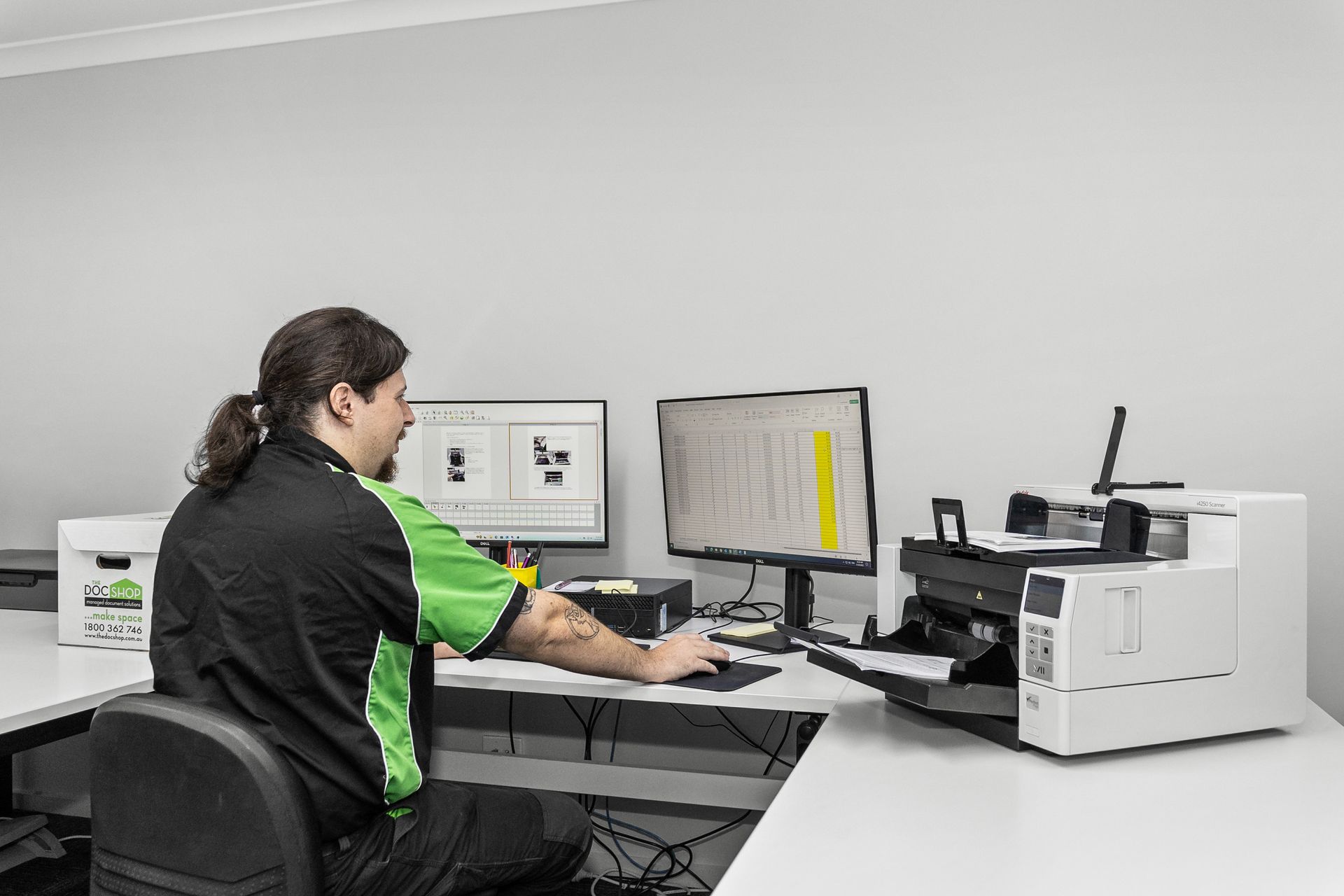
The DocShop can incorporate OCR into document scanning and digitisation projects, helping businesses turn paper archives into searchable digital records, saving time and creating efficiency.
OCR analyses each scanned page and converts printed text into machine-readable data, allowing you to search by names, dates, invoice numbers, account numbers or even keywords instantly.
This significantly reduces document retrieval times, improves accuracy and enables seamless integration with information management systems.
OCR is especially beneficial when digitising archived files, personnel records, financial documents, medical records and legal files, where quick access to information is essential for productivity, compliance and informed decision-making.
FAQs
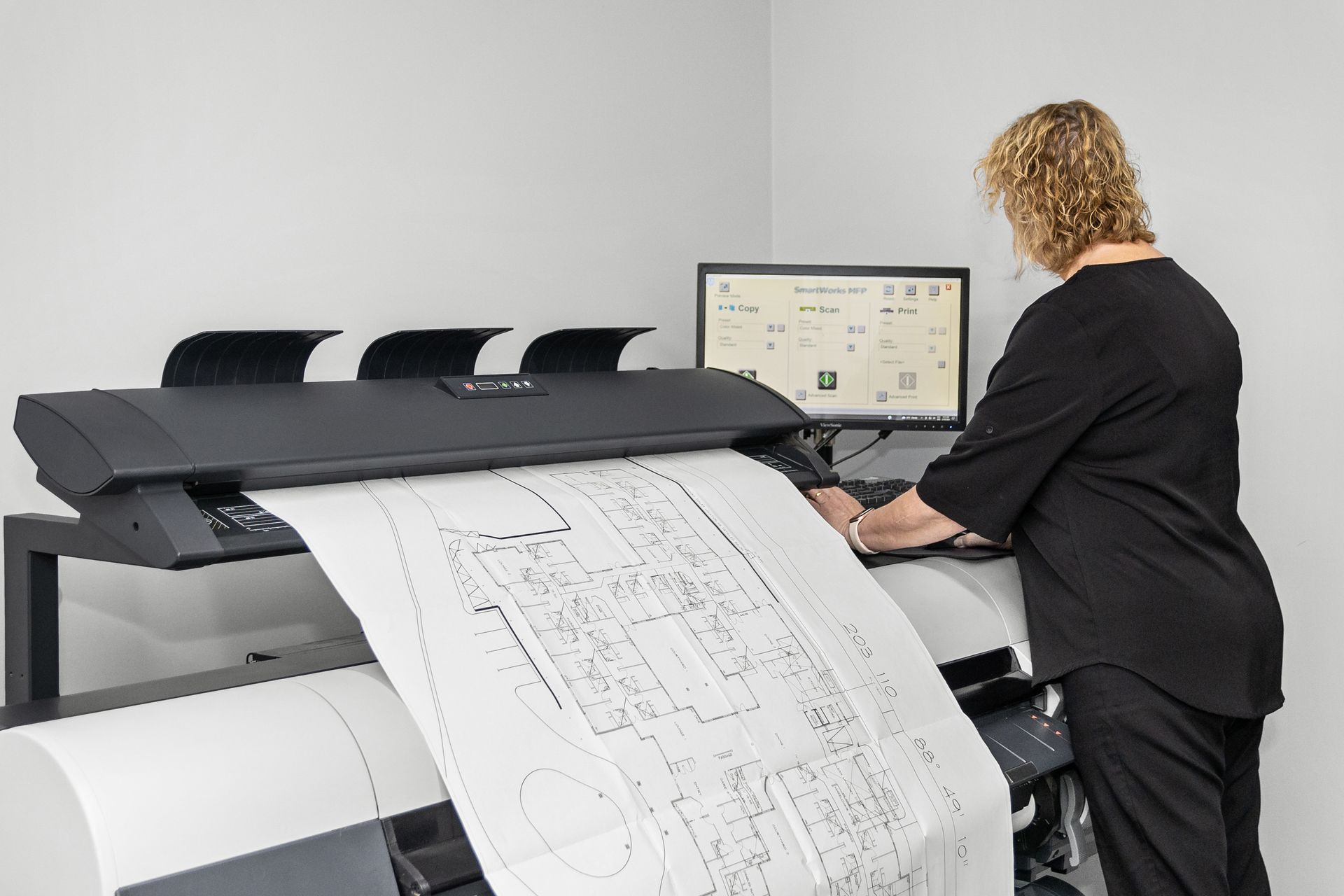
Looking to learn more about document scanning? Below, we’ve answered some of the most common questions about how The DocShop securely converts paper records into digital files. Discover how document scanning can improve accessibility, save storage space, and make managing your business documents easier.
When should OCR be used?
OCR should be used whenever documents need to be searched, indexed or acessed if they need to be accessed regularly.
It is particularly valuable for organisations digitising paper records as this improves compliance and transitioning to a digital document management system.
What are the benefits of OCR?
- Instantly search documents by keyword
- Reduce time spent locating files
- Improve staff productivity
- Enable digital workflows
- Support compliance and records management
- Reduce reliance on paper archives
- Integrate with document management systems
- Improve customer service through faster information retrieval
What is OCR Document Scanning?
Optical Character Recognition (OCR) converts text that can be found within scanned documents into searchable, machine-readable information. OCR makes it possible to search documents by a number of different ways to save time and be more effective.
How does OCR document scanning work?
Once a document is scanned, OCR technology analyses the image for any text, including letters, numbers and words.
The OCR software then converts the recognised text into machine-readable data.
This means that when you need to find something, you can search for the contents of the document instead of having to know what the file was called.
Do I need OCR?
Whether you need OCR depends on how you plan to use your digital documents.
If you only need a digital copy of a document for viewing or storing, standard scanning may be enough.
If you need to search, retrieve or work with the information contained within your documents, OCR can make a significant difference.
For example, if you have thousands of scanned files and need to find a particular invoice, employee record or customer name, OCR allows you to search the contents of the documents rather than opening files one by one. This can save you time and money.
In simple terms: If you need to search and use the information in your scanned files, OCR is a huge benefit. If you simply need digital copies for viewing or storage, standard scanning may be enough.
Can OCR document scanning recognise handwritten documents?
OCR is primarily designed to recognise printed or machine-generated text. The accuracy of handwriting recognition can vary depending on the handwriting, document quality and technology used. If your records contain handwritten information, The DocShop can assess the documents and recommend the most appropriate digitisation approach.
Will OCR work on old or damaged documents?
OCR can be used on many older documents, but the quality of the original file can affect recognition accuracy. Documents that are faded, damaged, poorly printed or difficult to read may require additional preparation or image enhancement before OCR is applied.
If you're unsure whether your documents are suitable for OCR, we're just a phone call away on 1800 362 746.
Request a quote for OCR